
Google rankings fluctuate every day because Google keeps updating its results, and what you see depends on your location, your device, and the tool you use.
Small moves on single keywords are normal.
You should worry when a drop is large, hits many keywords or pages at once, comes with fewer clicks in Google Search Console, and does not recover after a few weeks.
If you need an SEO expert, I can check your drop with you. Until then, this guide shows you how to tell the two apart and what to do in each case.
Normal Movement or a Real Problem? How to Tell

Most keyword ranking fluctuations are noise. A real problem shows up across many pages and in your clicks, not just in one keyword’s position.
Use this table as a quick first check on any Google ranking fluctuation.
| Sign | Normal movement | A real problem |
|---|---|---|
| How many keywords moved | One or a few | Many, often across a whole section |
| Size of the move | A few positions up or down | A big drop, like page 1 to page 3 |
| Clicks in Search Console | About the same | Clearly lower than the previous period |
| How long it lasts | Bounces back within days or a couple of weeks | Still down after a few weeks |
| Timing | Random days | Right after a site change or a Google update |
There is no fixed number for how much ranking fluctuation is normal.
A move of a few positions on one keyword is everyday SERP volatility. A drop across a group of related pages, with falling clicks, deserves a closer look.
Why Google Rankings Change Every Day
Your rankings change because Google, your competitors, and the results page all change, often without you touching your site.
If you keep asking “why does my Google ranking keep changing,” the answer is usually one of these causes. Each comes with what to do.
- Google’s constant small updates. Google changes its ranking systems all the time, so expect small daily moves and don’t react to them.
- Competitors improving their pages. Someone else published a better answer, so check who moved above you and what their page does better.
- Search intent shift. Google may decide people want a different kind of page for the same search, so read the new top results to see what changed.
- Personalized search results. Your location, language, and past searches change what you see, so never judge rankings from one search on your own phone.
- Your own site changes. New titles, edits, redirects, or plugin updates can move rankings, so keep a dated log of every change.
- Technical problems. Downtime, blocked pages, or indexing errors can cause pages to drop quickly, so check Search Console when many pages drop at once.
If the results now favor a different type of page, learn more about search intent before you rewrite anything.
Core Updates and What Google Actually Says
Core updates are bigger changes to how Google ranks pages. Google says most sites do not need to worry about them.
In its core updates guide, Google says most sites “may not even realize one has happened.”
A rollout usually takes up to two weeks, though the December 2025 update took 18 days. Google recommends waiting at least a full week after an update finishes before you compare your data in Search Console.
Google posts every update on the Google Search Status Dashboard. Here are the recent ranking updates.
| Update | Started | Rollout time |
|---|---|---|
| November 2026 core update | 10 November 2026 | Still rolling out at the time of writing (21 November 2026) |
| September 2026 spam update | 24 September 2026 | 13 days, 16 hours |
| May 2026 core update | 21 May 2026 | 11 days, 21 hours |
| March 2026 core update | 27 March 2026 | 12 days, 4 hours |
| December 2025 core update | 11 December 2025 | 18 days, 2 hours |
The pattern is clear. Core updates take about 12 to 18 days to finish, and rank volatility is often high during that time.
If you see big moves in November 2026, the core update is the first thing to rule out. Wait until it ends, then wait one more week before you judge.
Important. A drop during a core update does not mean Google is punishing your site. Google says these updates “don’t target specific sites or individual web pages.”
For a large drop, Google suggests a deeper look, because other pages may now do a better job of helping the searcher.
Changes in the Results Page, Not in Your Page
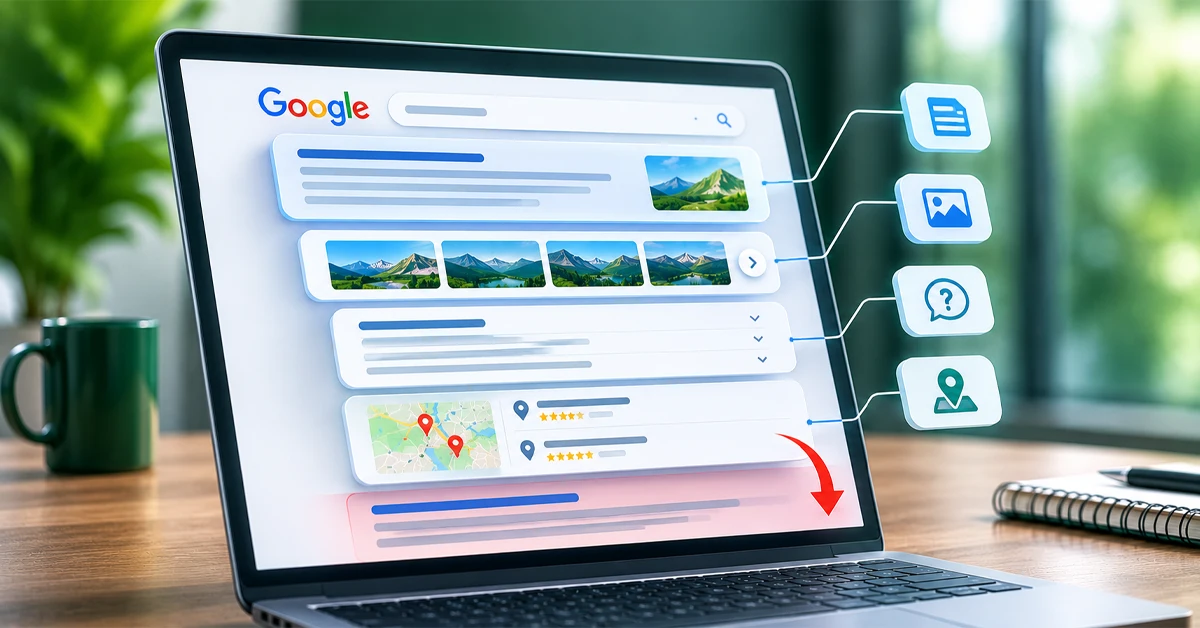
Sometimes your page did not change at all. The results page around it did.
Google adds and removes features like AI Overviews, map packs, videos, “People also ask” boxes, and shopping results.
Each feature takes a spot on the page. Your blue link can sit lower on the screen even though nothing about your page changed.
Search for your main keyword in a private window. Note which features appear above you, and compare again in a week.
Why Your Rank Tracker and Google Search Console Disagree
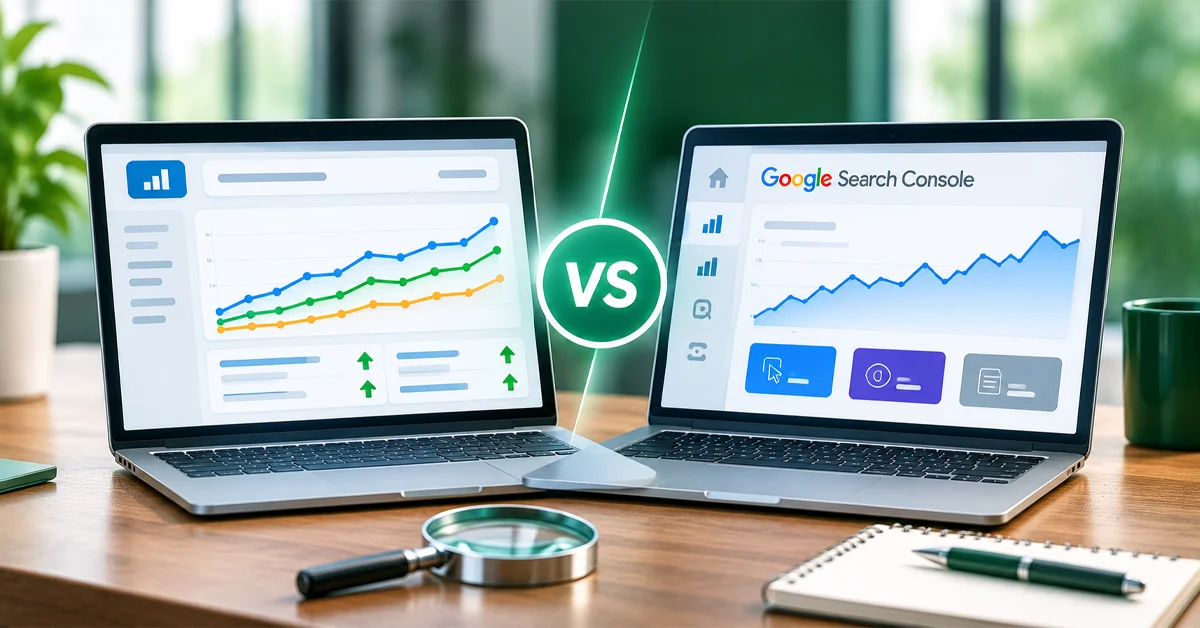
Your rank tracker and Google Search Console measure different things, so their numbers rarely match.
Neither one is wrong. They answer different questions.
| Google Search Console | Rank tracker | |
|---|---|---|
| Where the data comes from | Real searches by real people | A check the tool runs itself |
| What position means | An average across every time you showed up | One snapshot from one place and device |
| Best for | Clicks, impressions and trends | Watching a short list of key terms daily |
What Search Console Position Really Means
Average position in Search Console is the highest spot your page held, averaged across all searches where it appeared.
Google’s Search Console help page explains the math. If one search shows you at position 2 and another at position 3, your average position is 2.5.
A position only counts when your result gets an impression. If you sit on page 3 and nobody scrolls there, that search records no position at all.
Google also notes that your search results may appear in a different position than the average because of your search history and location.
This is why average position can jump when you start ranking for new, low searches, even when your main keywords hold steady.
What a Rank Tracker Really Shows
A rank tracker shows one check, from one location and one device, at one time of day.
That snapshot helps you spot trends on your key terms. It does not show what every customer sees.
Set your tracker to the city and device your customers use. Then read it weekly, not hour by hour.
When the Tools Themselves Change
Sometimes your numbers move because the measuring tools changed, not your rankings.
In September 2025, Google stopped supporting the “&num=100” setting, which showed 100 results on a single page. Search Engine Land reported that many rank trackers broke, and that Search Console data looked off too.
A later analysis of 319 sites, also reported by Search Engine Land, found that 87.7% lost impressions in Search Console.
Many site owners saw impressions fall and average position improve at the same time. Most of that was a measurement effect, not a real change in ranking.
Before you panic over a sudden shift, check whether others reported the same thing that week.
Rankings Are Not Clicks: What AI Overviews and Zero-Click Results Change

You can keep your position and still lose clicks, because the answer now appears above you.
AI Overviews and other zero-click search features answer the question directly on Google. Fewer people scroll down to the links.
A 2025 Pew Research Center study of 68,879 Google searches by US adults found people clicked a regular result in 8% of visits when an AI summary appeared. Without one, they clicked in 15% of visits.
So judge your SEO by clicks, leads, and inquiries, not rank alone.
If AI answers now sit above your pages, this guide on ranking in AI search results shows how to get cited inside them.
How to Check If a Ranking Change Is Real

Follow these seven steps before you change anything on your site. Together, they tell you whether a ranking drop is temporary or serious.
- Compare the right periods. In Search Console, open Performance, then Search results, and compare the last 28 days with the previous 28. Look at clicks and impressions first, position last.
- Look at groups, not single keywords. Check a set of related queries or one section of the site, because one keyword alone tells you little.
- Check for a Google update. Open the Google Search Status Dashboard. If a core update is rolling out, wait until it ends, then wait one more week.
- Check your own change log. Look for content edits, new titles, redirects, plugin or theme updates, a migration, or downtime around the drop date.
- Check indexing and manual actions. In Search Console, make sure your pages are still indexed, and there is no manual action. If pages vanished, read why a page gets deindexed from Google.
- Search like a customer. Search in a private window on mobile and desktop. Note who replaced you, and whether the type of result changed.
- Check your competitors. If everyone in your niche moved, the cause is likely Google, not your site.
Ranking drop checklist
Work through these checks in order when a drop worries you. Each row shows where to look and what a worrying result looks like. If several rows match, treat the drop as a real problem.
If none do, it is most likely normal movement.
| Check | Where | A worrying result looks like |
|---|---|---|
| Clicks and impressions | Search Console, Performance | Clicks clearly down versus the previous 28 days |
| Groups of pages | Search Console, filter by page or query | A whole section dropped together |
| Google updates | Google Search Status Dashboard | The drop started after an update finished, and has not recovered |
| Your changes | Your own change log | The drop started right after an edit, redirect or migration |
| Indexing | Search Console, Pages report | Important pages marked as not indexed |
| Manual actions | Search Console, Security and Manual Actions | Any manual action listed |
| The live results | Private window, mobile and desktop | A different type of page now ranks for your keyword |
| Competitors | Your rank tracker | You dropped while competitors held steady |
What to Do, and What Not to Do, When Rankings Move

When a ranking drops, the first instinct is to change something on the site right away.
Most quick changes miss the real cause, and each one makes it harder to spot later. A short routine works better because it protects the pages that are doing well and shows you whether the drop needs any action at all. Here is that routine in one line.
Write it down, wait, and look at clicks before you touch anything.
Do this
- Record it. Write down the date and the size of the change.
- Wait. Give single-keyword moves 2 to 4 weeks before you act.
- Read clicks first. Check clicks and inquiries before you look at rankings.
- Fix real problems. Repair technical issues you can actually find, like indexing errors or broken redirects.
- Keep improving. Keep making your content more helpful for the people searching.
Don’t do this
- Rewrite after one day. One day of data is not a trend.
- Change titles every few days. Google needs time to react to each change.
- Delete content. Google calls deleting content a last resort, only for content that can’t be saved.
- Buy links or quick fixes. Shortcuts often create the very problem you feared.
- Switch SEO provider after a week. SEO results take months, and a week of movement says little.
How Often Should You Check Rankings?
Check weekly, and review the trend monthly.
- Weekly. Look at Search Console clicks and impressions.
- Weekly. Check your rank tracker for a short list of key terms.
- Monthly. Review the trend over the last few months.
Checking every day mostly shows you noise. For a full setup, here is how to track your SEO progress.
When to Get Help
Get help when the drop is large, spread across many pages, and your clicks are falling.
- Big drop. Many pages lost rankings, and clicks fell with them.
- Manual action. Search Console shows a manual action on your site.
- Missing pages. Important pages are not in Google’s index.
- No recovery. Rankings stayed down well after the update window ended.
In these cases, a technical SEO audit identifies the cause before you make any changes. If someone promised you fixed rankings, read why no agency can guarantee first-page rankings.
Ranking Fluctuations in Bangladesh: Check Rankings the Way Your Customers See Them
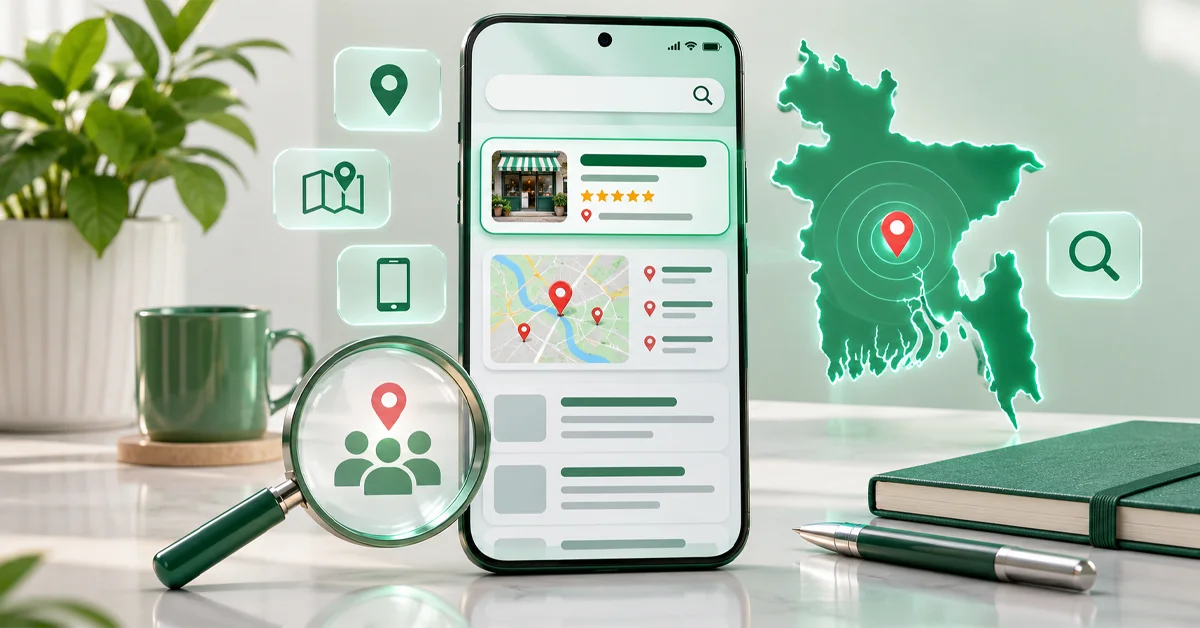
Your customers may see different results than you do, so check their rankings.
- Location. A search from your office in Dhaka on Wi-Fi can show different results from a customer in Chattogram on mobile data.
- Device. Check both mobile and desktop results, because both matter here.
- Language. Bangla and English searches for the same thing can return different results.
- Local results. The map pack and Google Business Profile listings can move more than regular blue links.
On-device, StatCounter data for Bangladesh shows desktop at 56.04% and mobile at 43.6% of web page views in October 2026. Neither side is small enough to ignore. If you target Bangla searches, read this guide on SEO for the Bangla language.
Final Takeaway and Next Step
Google rankings fluctuate every day, and most of that movement is normal. It comes from Google’s constant updates, changes on the results page, competitors, and the way each tool measures position. Use one simple rule to decide when to act.
Worry when a large drop hits many keywords together, when your clicks fall in Search Console, and when there is no recovery after a few weeks (or after the update window plus one week during a core update). If only one of those is true, keep watching and keep improving your content. If all three are true, find the cause before you change anything.
If your drop matches all three signs, talk to us about the technical SEO service and we will check it with you.
Frequently Asked Questions
Why do my rankings look different on my phone and my laptop?
Google tailors results to the device, location, language, and past searches. Check in a private window on both devices and use Search Console to get the real average.
How long does a ranking drop last?
Single-keyword drops often recover within days or a couple of weeks. Drops during a core update can last until the rollout ends, which usually takes up to two weeks but can run longer. If rankings and clicks are still down a few weeks later, treat it as a real problem and look for the cause.
Can changing my content or title cause rankings to drop?
Yes, for a short time while Google re-reads the page. Change one thing at a time, note the date, and wait a few weeks before judging.
Can I stop rankings from fluctuating completely?
No. Google’s updates, competitors, and changes to the results page are outside your control. Helpful content and a technically healthy site keep the movement small and your clicks steady.
Should I wait during a Google core update before changing anything?
Yes. A core update usually takes up to two weeks to roll out (the December 2025 one took 18 days), and Google recommends waiting at least a week after it ends before analyzing your data. Editing mid-update makes it hard to tell what caused the result.
Do new websites and new pages fluctuate more?
Yes. Google tests new pages against different search queries in the first few weeks. Keep the page helpful and well-linked, and judge it by its trend over a few months.
Why did my rankings change but my traffic stayed the same?
Average position can shift without a real loss, for example, when you start ranking for new low-volume searches or a tool changes how it measures. If clicks are steady, visitors are still finding you.